Android App
Floating bubble · Works on any app
Section B — 10 Marks
Q1.Explain process scheduling algorithms with examples.
Q2.What is deadlock? Explain conditions...
Q3.Explain paging and segmentation...
Android 7.0+ · No Play Store needed
Video Install Guide
Watch step-by-stepIf Chrome shows "Blocked by Play Protect" — tap More info → Install anyway. Normal for APKs outside the Play Store.
Chrome / Edge Extension
Solve questions directly in your browser
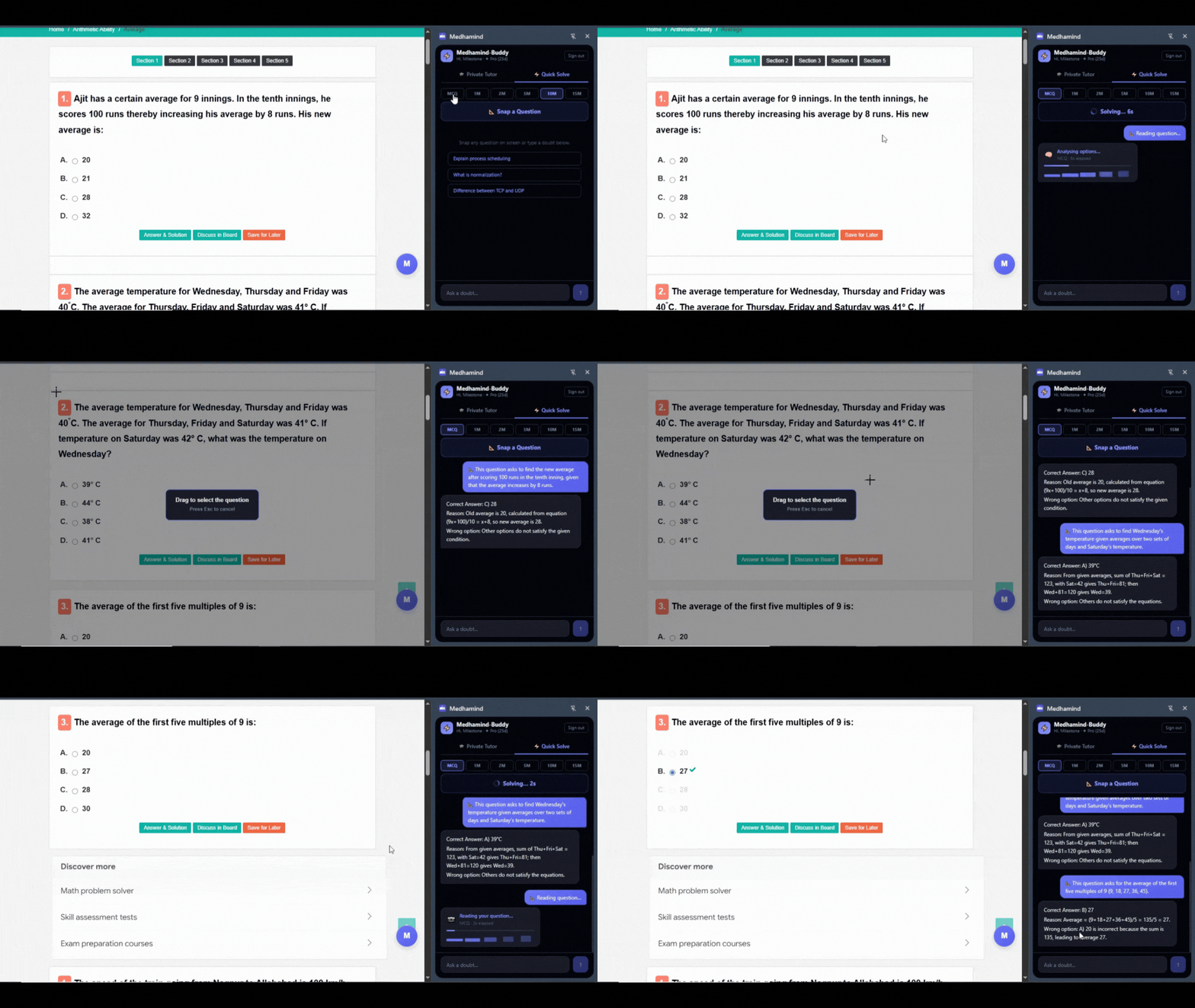
Edge Store live · Chrome Web Store coming soon
Video Install Guide
Watch step-by-stepThe extension does not read your browsing history or track any sites. It only activates when you click the MedhaMind button.
One account, all platforms
Log in with the same Google account on the app, Chrome extension, and Edge extension. A Pro plan on one works on all three automatically.
Free plan includes
3 snap solves/day · 5 total solves/day
All question types — MCQ to 15M
No card needed · Download instantly